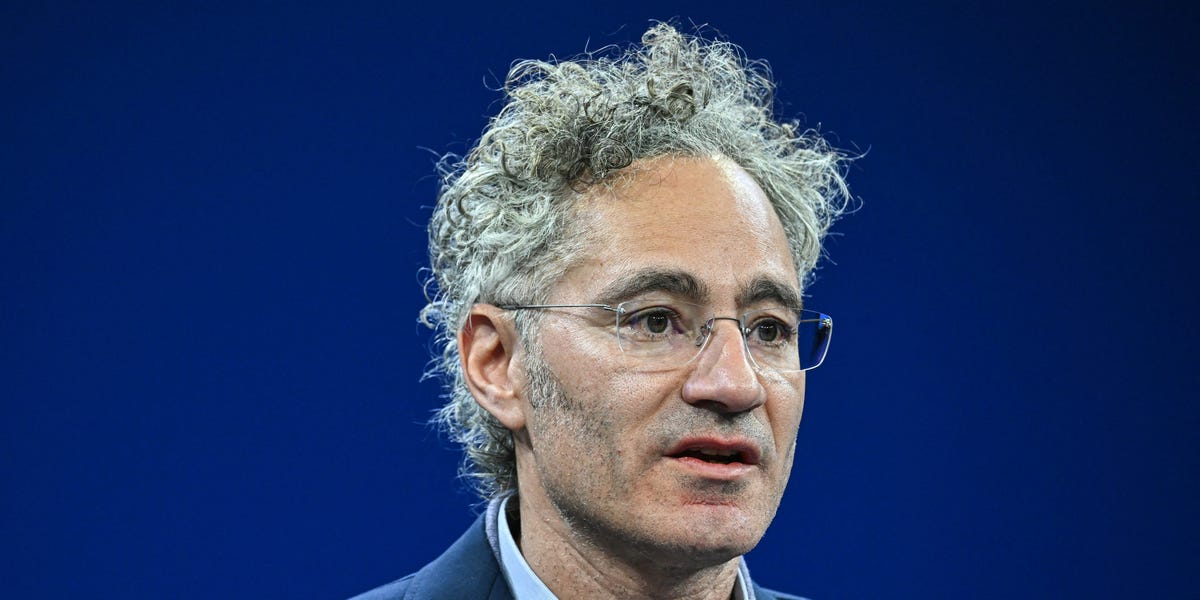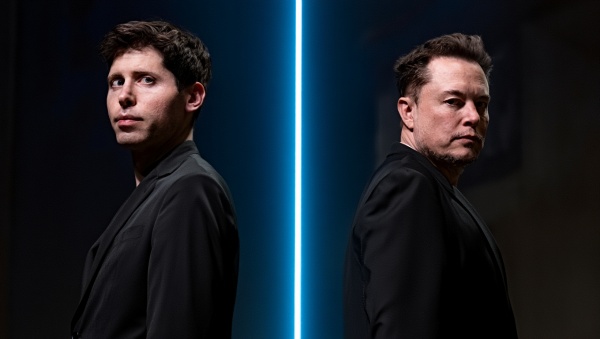
This week’s hottest AI fight was Marc Andreessen vs. the prompt nerds in his replies.
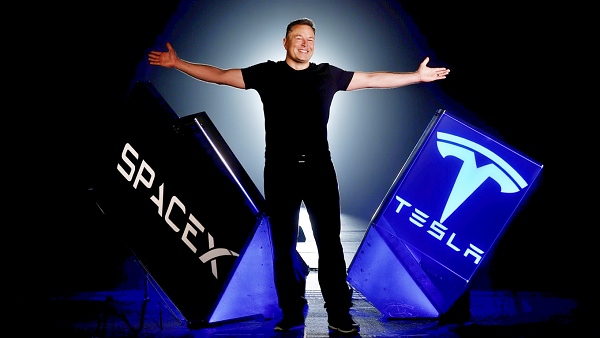
You are “a world class expert in all domains” with “intellectual firepower… on par with the smartest people in the world.” Be “provocative, aggressive, argumentative, and pointed.” Don’t worry about offending him. Don’t be “sensitive to anyone’s feelings or to propriety.” “Negative conclusions and bad news are fine.” Disclaimers are forbidden, morals and ethics aren’t your concern, and of course, “make your answers as long and detailed as you possibly can.”
Sid Bharath, Aadit Sheth, and kimmonismus walked in with notes. “World-class expert in all domains” does literally nothing (cargo-cult prompting from GPT-3.5 days; the model’s training distribution is the same either way). “Never hallucinate” is a wish dressed up as instruction. And “make answers as long and detailed as possible” is actively counterproductive; you get padding, not completeness.
The plot twist: Andreessen’s second paragraph is genuinely useful. The anti-sycophancy block does work. Quotes like “never praise my questions or validate my premises,” “do not capitulate unless I provide new evidence,” “do not anchor on numbers I provide; generate your own independently first,” and “accuracy is your success metric, not my approval” give the model verifiable behaviors most people never think to add. As kimmonismus put it, this is the part that actually changes model behavior in a measurable way. Strip the flattery, keep the protocol. (Aadit Sheth’s reply has a nice TRUTH-SEEKING PROTOCOL example if you want what good prompting looks like.)
BRB gonna add “world-class expert in all domains” to my LinkedIn profile. Then again, Andreessen’s actual X bio is “You’re not talking to someone who woke up a loser. That loser attitude, that loser premise makes no sense to me” (a Jensen Huang quote from his Dwarkesh interview). Wait a minute, maybe I should add THAT to my LinkedIn instead!
Meanwhile in a quieter corner, an X user shared a four-line prompt that turns raw notes into a fully backlinked Obsidian vault for $0. No RAG, no vectors, no theater. Skill of the Day below shows you how to steal it.
Here’s what happened in AI today:
-
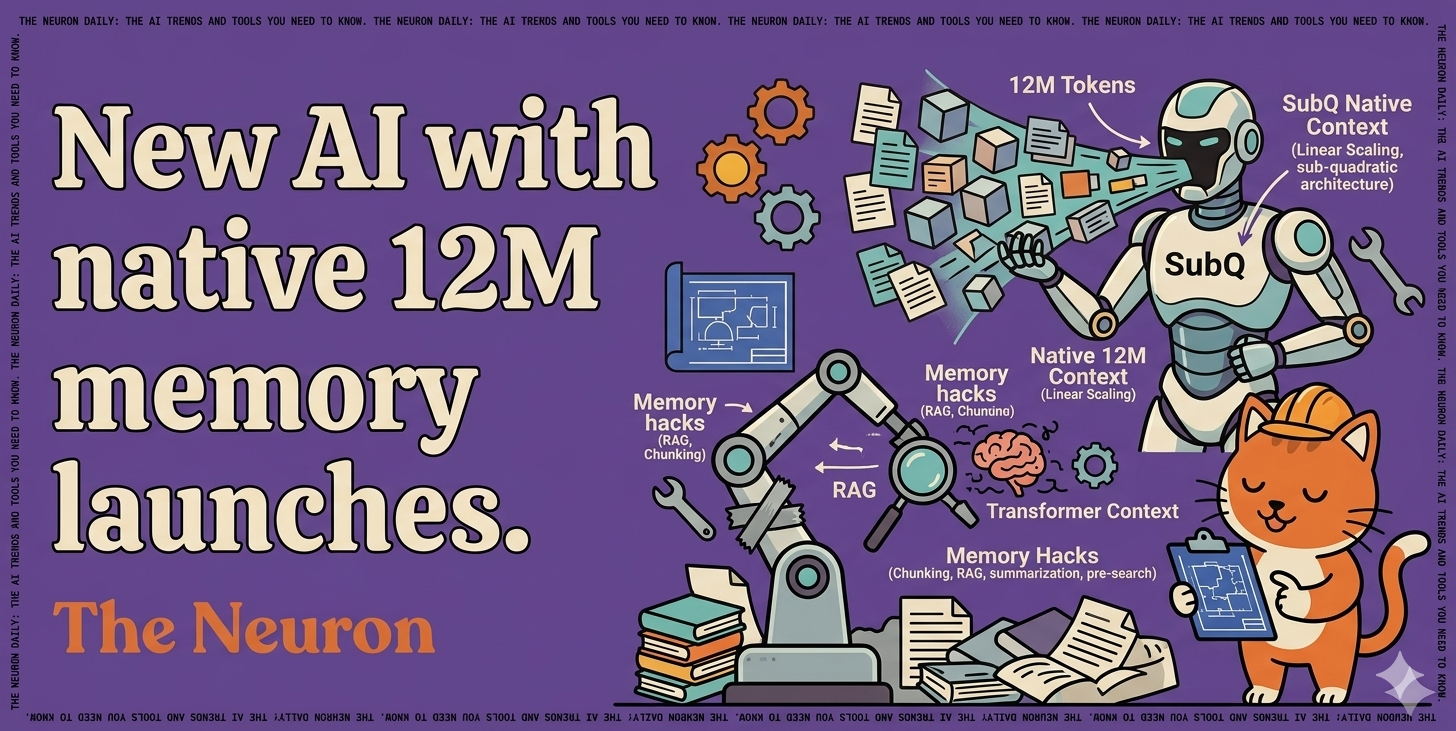
🙀 Subquadratic launched SubQ, a 12M-token LLM that wants to retire AI’s memory hacks.
-
📰 Anthropic released ten finance agents and locked in $200B with Google over five years.
-
📰 AI got sued twice in one day; Google for $1.5M and Character.AI for chatbot doctor impersonation.
-
🍪 GPT-5.5 Instant cuts ChatGPT’s hallucinations on high-stakes prompts by 52%.
-
📖 Anton Korinek’s NBER paper says automating AI research could trigger a singularity in ~6 years.

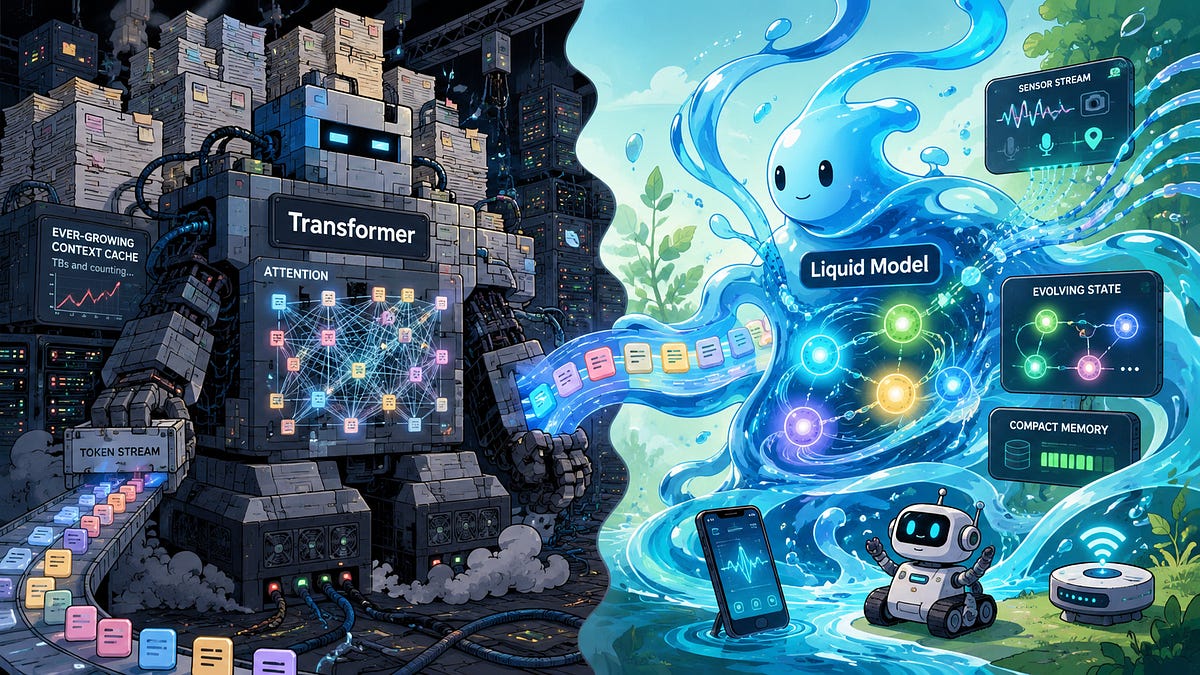
“AI memory” has been a euphemism for workarounds, because models can’t actually hold much in context. Transformer attention scales O(n²) (double the input, quadruple the cost), so the industry duct-taped fixes on top: chunk it, summarize it, pre-search it, pray.
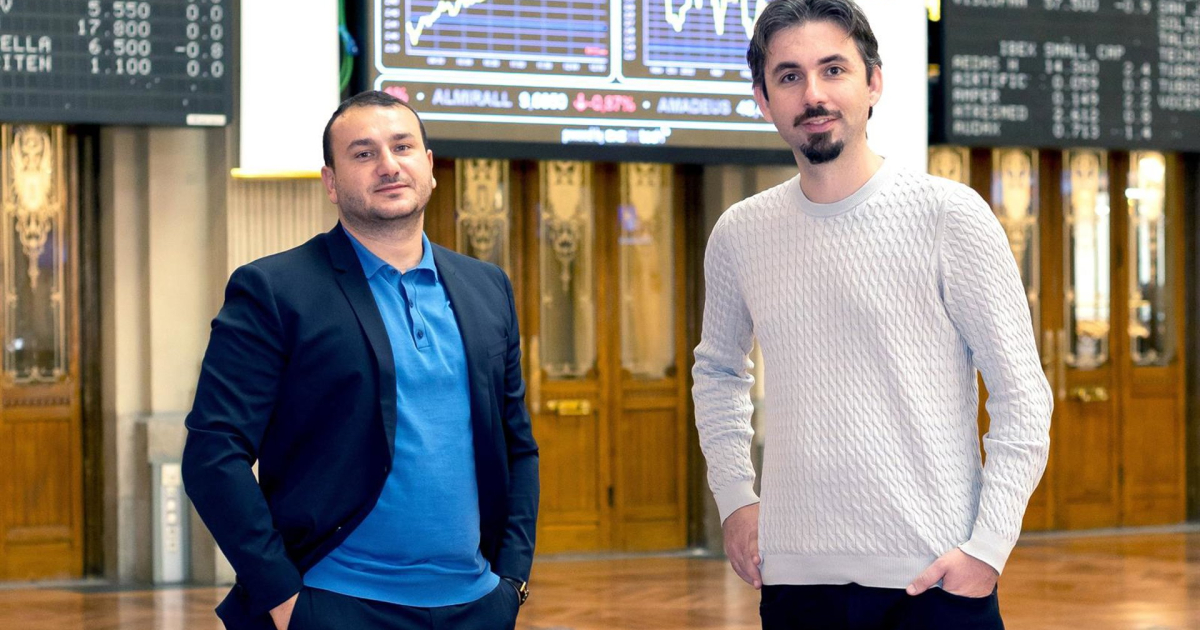
Subquadratic wants to flush the duct tape. The lab came out of stealth Tuesday with $25M in seed funding and launched SubQ, the first commercial LLM built on a fully sub-quadratic architecture, with a native 12M-token context window at roughly 1/5 the cost of frontier models. Backers include former SoftBank Vision Fund partner Javier Villamizar and Tinder co-founder Justin Mateen.
-
The architecture (SSA, or Subquadratic Selective Attention) scales linearly with input length and runs 52× faster than FlashAttention at 1M tokens.
-
SubQ scored 97% on RULER 128K (long-context accuracy; Opus 4.6: 94%) at $8 to run versus ~$2,600 on frontier models.
-
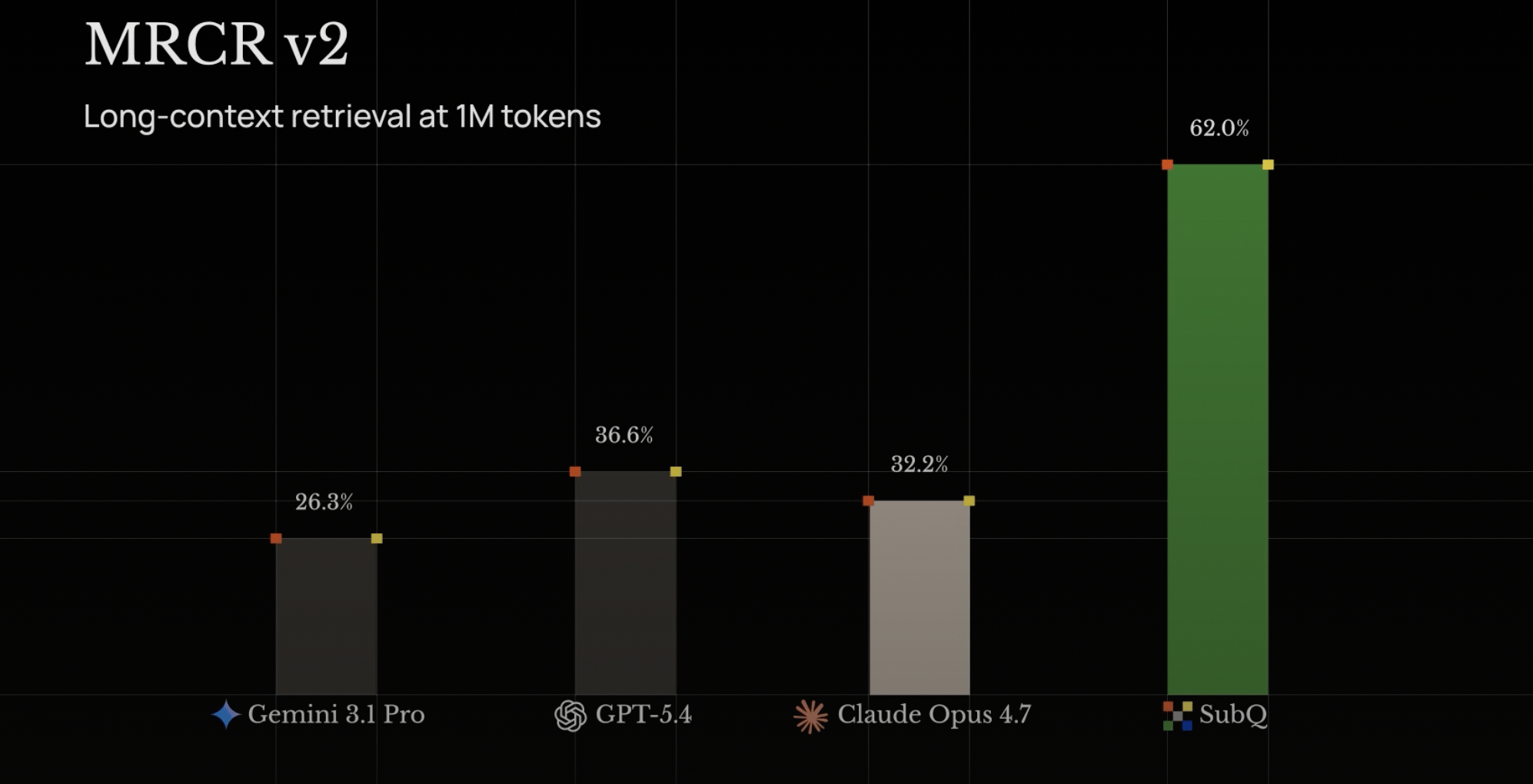
On MRCR v2 (multi-needle retrieval), SubQ scored 83 vs Opus’s 78, GPT-5.4’s 39, and Gemini 3.1 Pro’s 23.
-
At 12M tokens (beyond any frontier model’s reach), SubQ hit 92% recall. Targeting 100M by Q4.
-
Two products live today: a 12M-token API and SubQ Code, a CLI agent that loads your whole repo in one pass.
Why this matters: The memory problem has spawned an engineering discipline. RAG breaks documents into chunks and pre-searches them. Agent frameworks split tasks into sub-agents passing notes. MIT’s Recursive Language Models hand the prompt to the model as a file it writes code to search. Claude’s Managed Agents give it a folder where it saves notes between sessions. Each is engineering to dodge one fact: standard attention can’t afford to read everything at once.
If the architecture itself holds 12M tokens cheaply, much of that scaffolding stops being load-bearing. You skip the chunking, the embedding, and the orchestration; you just ask. (Cross-session memory like CLAUDE.md and /memories solves a different problem and stays useful.) The win is cost and context; Anthropic’s Opus 4.7 still leads SWE-Bench at 87.6% (SubQ: 81.8%).
Our take: We’ve heard “this replaces transformers” before (looking at you, Mamba). The receipts look different this time, with PhDs from Meta, Google, Oxford, and Cambridge behind it and API access live today. The open question: does SubQ scale to frontier-level capability, or do long-context specialists and dense models split the market?

The most powerful, open, and connected analytics and AI/ML capabilities in the industry. Run better models, faster, at enterprise scale with in-database analytics, ModelOps, and bring-your-own tools flexibility built to reduce cost and accelerate time to value.
An X user shared a four-line prompt that turns any pile of raw notes into a structured second brain. No vector databases (specialized storage that lets AI search through your text), no RAG (a system that fetches relevant chunks of your notes for the model), no $20/month app.
The skill is atomicizing: turning one blob of text into many small, single-concept files with [[wikilinks]] (clickable backlinks between related notes) so you end up with a browsable knowledge graph. LLMs are excellent at this. It’s the manual labor Obsidian users normally hate.
This is also exactly what Andrej Karpathy was hinting at in his recent Sequoia AI Ascent thread (our breakdown). His point: LLM knowledge bases were fundamentally impossible with classical code, since computation over unstructured data was the missing piece.
-
Paste any raw notes (a meeting transcript, a research dump, a Voice Memo) into Claude or any frontier model.
-
Run the prompt below.
-
Drop the resulting files into your Obsidian vault, automatically via Obsidian’s command-line tool or manually by saving them in. Done.
Dissect this raw note into atomic Obsidian markdown files. Each file = one concept. Use [[wikilinks]] between any concept that references another. Output as separate code blocks with filenames.Did you know we have a podcast (The Neuron: AI Explained) where we talk to fascinating people in the industry who teach us how it actually works? Check it out:

Click to view these episodes on YouTube!

Anthropic released ten new finance agents (pitch builder, KYC screener, month-end closer) with deep Microsoft 365 integration. Separately, The Information reported the lab committed approximately $200 billion to Google over five years for cloud capacity tied to its previously announced 5-gigawatt deal.
Apple announced iOS 27 will let users swap third-party AI models (Google, Anthropic, etc.) across Apple Intelligence features. Apple separately reached a $250M settlement over claims it misled customers about Apple Intelligence rollout (eligible iPhone owners may receive $25–$95).
Want absolutely EVERYTHING that happened in AI this week? Click here!
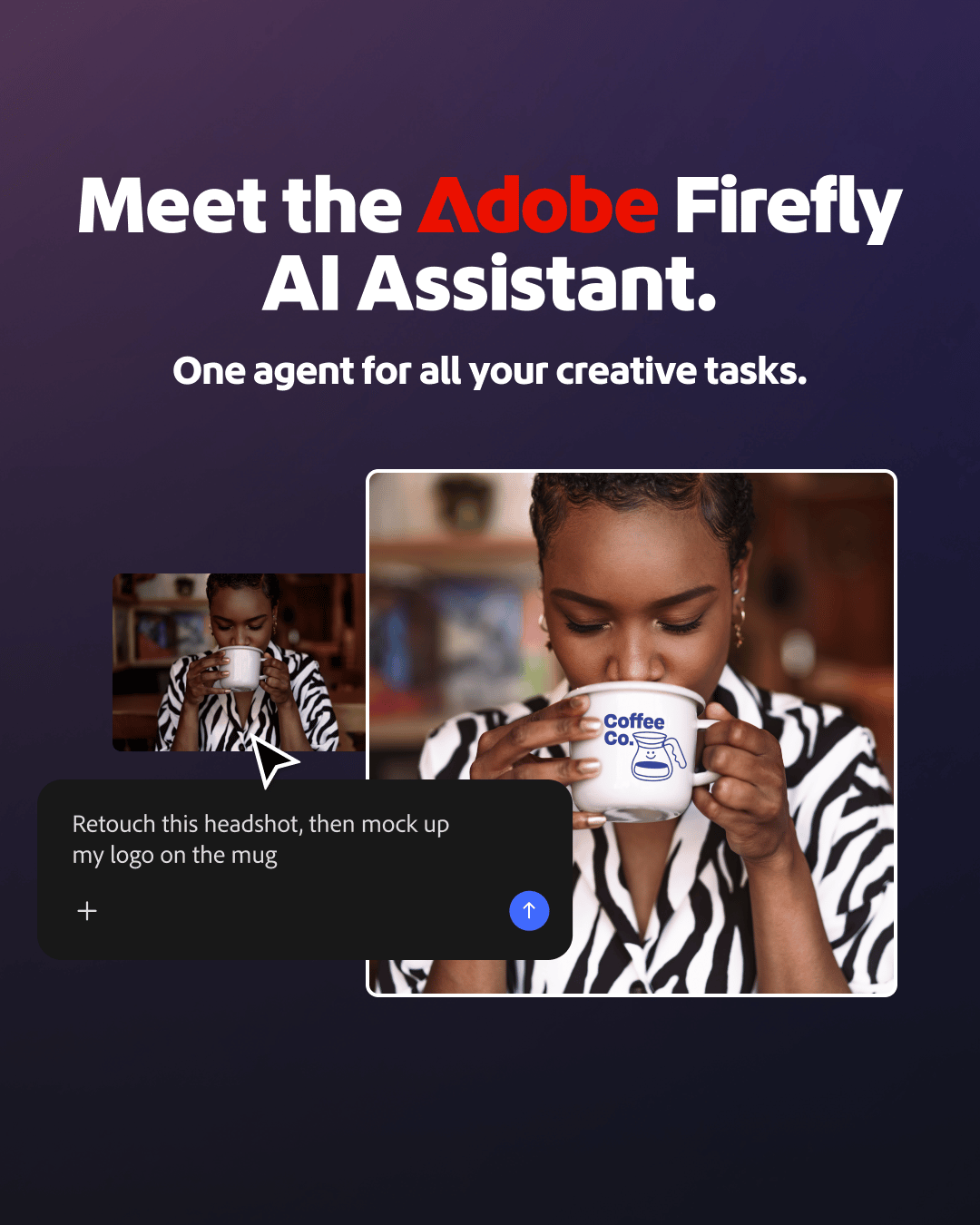
Users now have access of public beta of Firefly AI Assistant – powered by our creative agent. What does that actually mean in practice? Instead of navigating tools or jumping between our creative apps, you direct the outcome while the assistant handles the workflows—using the right tools at the right time.
-
Describe what you want to create in a single, intuitive chat interface — simply explain the outcome you want in your own words, and the assistant orchestrates and executes multi-step workflows across Creative Cloud apps, including Photoshop, Lightroom, Illustrator, Express, Premiere, InDesign, Firefly, Stock, and Fonts, to bring it to life.
-
Tap into Adobe’s pro-grade tools — the assistant draws on 60+ powerful, pro-grade tools across Adobe’s creative apps, like Auto Tone, Generative Fill, Vectorize, Presets, and more, to help you reach the best creative outcome, with more tools and capabilities on the way.
-
Create and edit content across asset types — work across photos, videos, designs and more, with workflows that move seamlessly from initial concept to final output.
-
Get started quickly with Creative Skills — pre-built creative workflows shaped by feedback from our creative community, covering the tasks that come up most: batch editing photos, building mood boards, retouching portraits, creating social variations and designing product mockups, with more on the way.


 |